What are Backend and Frontend
A simple guide to backend and frontend, the building blocks of web development.


At Learn Kraft, my goal is to help you become knowledgeable about software development. While I’ve been researching the topics to write on, one common concept that needs explaining everywhere is the difference between Frontend and Backend. In this article, I will explain what the terms frontend and backend mean, the difference between the two, how to identify them, their components, and a real-life example. Let’s get started.
Frontend Vs Backend - Analogy
Every application that you use, whether a web app or a mobile app is made up of two parts - frontend and backend. Even this website where you’re reading this article has a frontend and a backend.
The most commonly used analogy for the backend and frontend is that of a restaurant.
In a restaurant, we have a dining area with beautiful interiors, tables and chairs, a menu, waiters, and most importantly the food that is served to you. These are all the things that you interact with in a restaurant as a customer. In software terminology, this is the frontend of the restaurant - everything that you the user interact with.

But that’s not the entire story of what makes up a restaurant. A restaurant has a backend too. That’s the area that you as a customer never see but is crucial for running the restaurant. The backend includes the kitchen, the pantry with all the ingredients, the chefs who cook the food, and the utensils. It also includes things that are not tangible, such as the logistics of buying the raw ingredients, and processes for quality control. If anything goes wrong in the backend, it impacts the customer experience in the frontend (sitting in the dining area).

In the context of a web application, the frontend is the user interface - the design, the buttons, the colors - everything the user sees and interacts with directly. On the other hand, the backend includes everything that goes behind the scenes. This includes the server, the database, the APIs, and everything that’s required to provide a good front-end experience to the users.
Identify Frontend and Backend
Let’s take the example of this website and try to identify the frontend and backend parts of it.
Let’s say you arrived at the Learn Kraft website and clicked on the article link that says ‘Cloud Computing’.
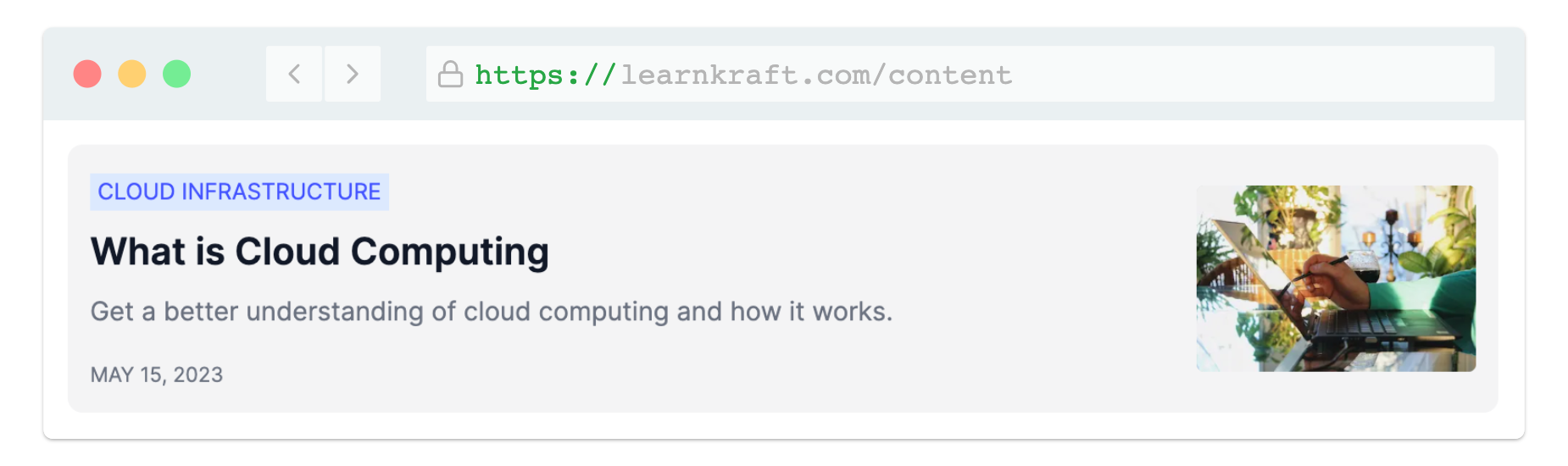
This interaction that you had with the website is on the frontend. Everything that you see - the look and feel, the list of articles, the color scheme, and the buttons - all make up the frontend of the website. When you clicked the link a few things happen.
User clicks the link (Frontend): This action by the user is a frontend activity. The user sees the link on the page and clicks it. This will redirect the user to a new page on the website. This is like a customer seeing the menu in a restaurant and ordering a dish.
Sending the request (Frontend to Backend): At this point, the frontend sends a request to the server (backend), to get the contents of this page. This request is made in the form of an API call. (API is short for application programming interface. Think of it as a request asking the computer to do something. We will learn about how APIs work in another article.) As a user who requested the article, you don’t see this happening. You just wait for the page to load while the server is working to fulfil your request. So, the frontend has made an API call to the backend to access the contents of the article. Restaurant example: The request for the dish is sent to the chef in the kitchen.
Processing the request (Backend): Once the server receives the request it needs to process it. All the Learn Kraft’s articles data is stored in a database. So, the server will query the database to retrieve the contents of the article. All this is happening in the backend. Restaurant example: The chef prepares the dish. You can imagine what goes into making the dish.
Generating the response (Backend): Once the server has received the content of the article from the database, it will create a response. This response may include the article’s content and any other information that the frontend may have requested while making the API call. This includes things like image links, publishing date, etc. Restaurant example: The chef gets the dish ready to be sent to the customer.
Sending the response (Backend to Frontend): At this stage, the server will send the response to the frontend (user’s browser) where the user is waiting for the article’s content. Restaurant example: A waiter takes the dish from the kitchen to the customer's table.
Rendering the page (Frontend): Upon receiving the response, the frontend will render the contents of the article on the web page. While doing so, the frontend will also perform some other actions such as applying styles to the content, adding interactivity, and maybe some minor programming activities such as changing date formats, etc. Over time, frontend frameworks have become very powerful and can do a lot more than we can imagine. (We will learn about Frontend frameworks in another article.) Restaurant example: The dish is served to the customer.
User views the article (Frontend): Finally, the user views the article. As you can easily guess, it’s a frontend activity. Restaurant example: The customer enjoys the dish.
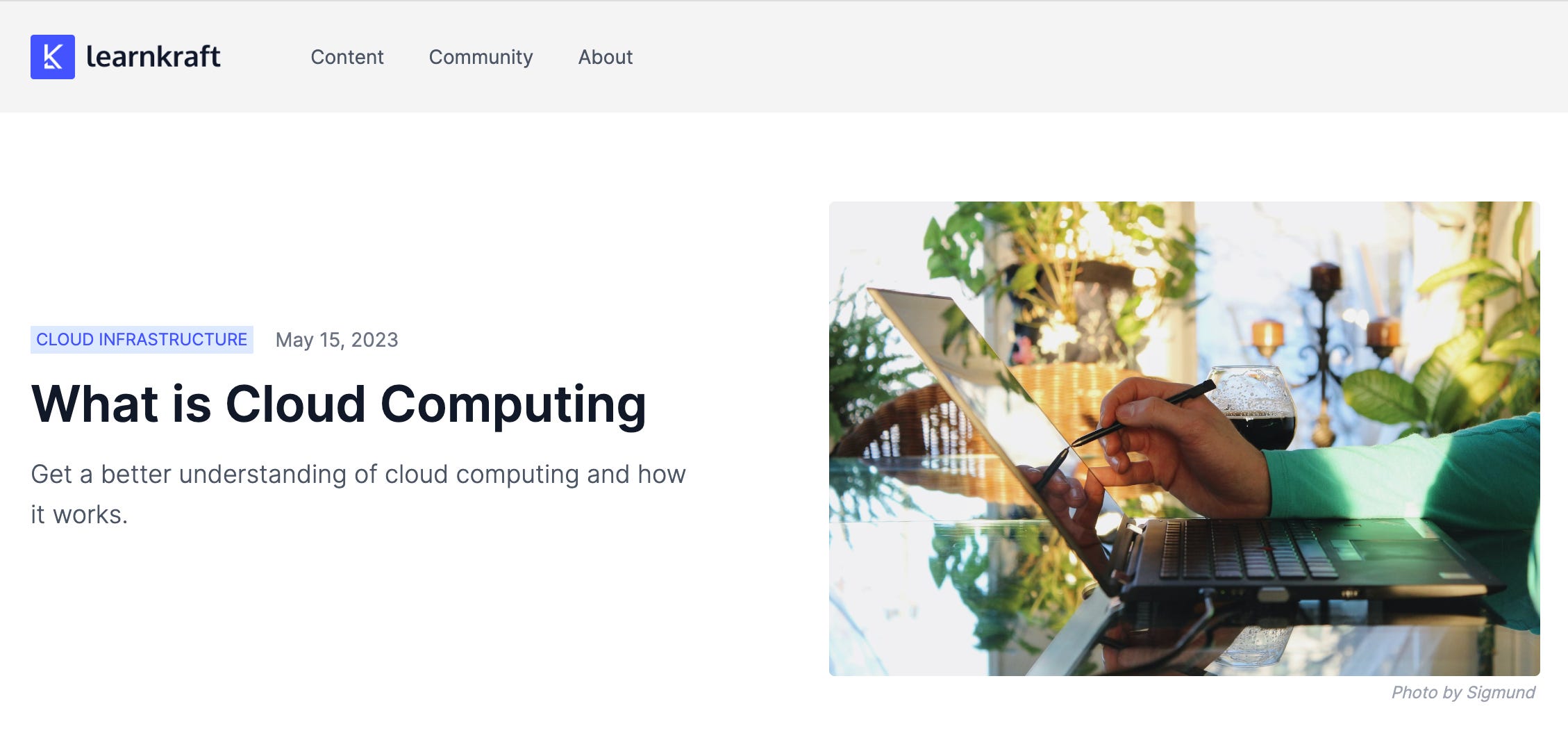
And there you have it! The next time you click on an article, just picture a little digital army scrambling behind the scenes, turning your casual click into your next intriguing read. It's like a secret behind-the-screen party every time you browse! Generally, all this takes just a few milliseconds, but depending on the quality of the server, the network, and a host of other factors, it may take more time.
Components of Frontend and Backend
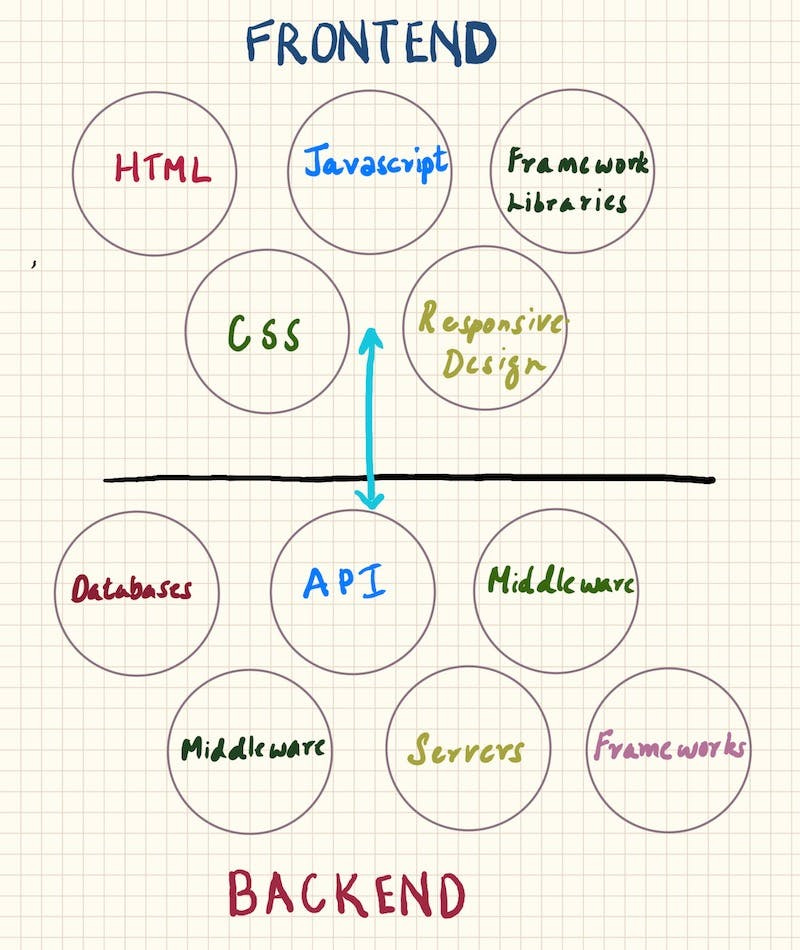
By now, we have a better understanding of frontend and backend. The frontend is what the user interacts with directly. It is sometimes called the ‘client-side’. The backend, or server-side, is everything that happens behind the scenes to make that interaction possible. Let’s look at the important components of frontend and backend.
Frontend
HTML: HTML is the markup language that gives a webpage its structure. It provides the basic structure of the page, which is then enhanced and modified by CSS and JavaScript.
CSS: CSS is the presentation language that makes the page you created with HTML presentable. CSS is used for creating layouts, colors, fonts, and more—it makes everything look good.
JavaScript: This is the programming language that makes your website interactive, like adding animations, and creating interactive forms.
Frameworks and Libraries: These include tools like React, Angular, and Vue.js, which provide pre-written code to make it faster to develop and add interactivity to your website.
Responsive Design: This involves making sure the website looks good on any device, from smartphones to huge screens.
Backend
Server-side Programming Languages: These are programming languages like Python, Java, Ruby, PHP, and Node.js that you use to write the backend code. They are used to create the logic of websites, interact with databases, and more.
Databases: Databases are digital storage where all the website's information is kept, like a huge digital filing cabinet. They are essential for storing, retrieving, and manipulating data. Examples include MySQL, PostgreSQL, MongoDB, and Oracle.
Server: This is the powerful computer where your website or application lives. It is the server that serves, or sends, your website to users' browsers.
APIs: APIs are helper programs that allow different software applications to communicate with each other. In the case of a website, APIs are used to connect the frontend and backend of a web application, for sending requests and receiving responses. Think of APIs as waiters in a restaurant. You ask for data (order meal), the API (waiter) communicates your request to the system (kitchen), then brings back the data (your meal) for you to use (eat). APIs make different software talk to each other, just like a universal translator!
Middleware: A go-between software that helps different parts of the website work together smoothly. For example, a server will use middleware to retrieve information from a database.
Frameworks: Backend frameworks are helpers that can speed up development time by providing pre-written code for routine tasks. Some examples of backend frameworks are Django for Python, Express for Node.js, and Rails for Ruby.
All these components come together to make a website work.
Netflix and its Frontend and Backend
Now that we have a fair understanding of the concepts of Frontend and Backend, let’s take the example of Netflix, and see how it applies to this popular streaming device.
Frontend
Netflix has many frontend applications for various platforms. As their customer, you can access Netflix from a web browser, smart TVs, mobile devices and even gaming consoles.
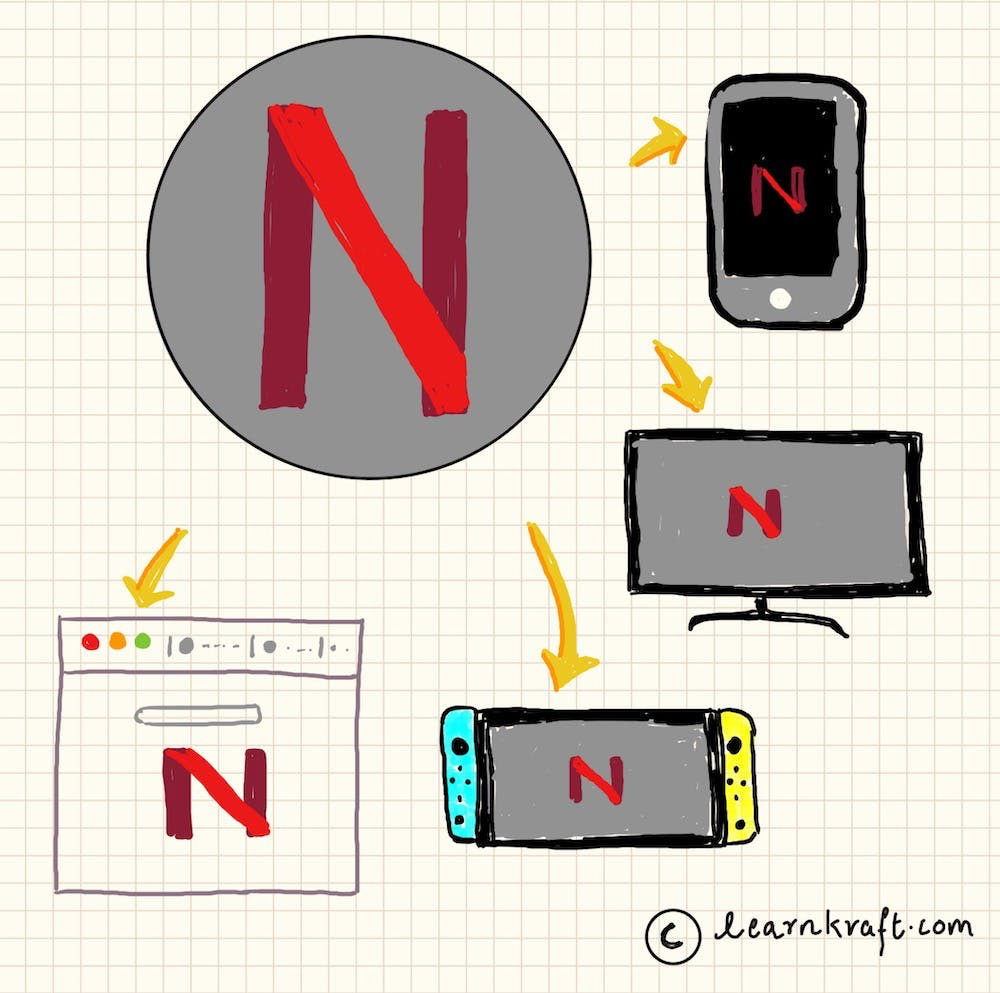
Here is what happens in the frontend:
User Interface: The frontend is what you see when you open Netflix on your TV or mobile phone. You see the list of movies and TV series, your watchlist, upcoming shows, your browsing history, etc.
Interaction: This involves the viewers' interaction with the Netflix app. This may include browsing the catalog, playing a video, pausing, fast forwarding, adjusting settings, etc. On a TV, all this happens through your TV remote.
An interesting and unique frontend, or client-side, feature of Netflix is the adaptive bitrate stream. Using this tech, Netflix changes the quality of your video dynamically when it detects a change in your network speed. That's why, if you're watching Netflix and your internet suddenly slows down, instead of the video freezing or buffering, the picture quality only becomes a little fuzzy for a few seconds.
The frontend of Netflix is built using JavaScript, using a popular frontend framework called React.js that helps it build a dynamic and responsive user interface.
Backend
Netflix has a very powerful backend that handles millions of requests per day streaming video content to its users around the world. Here's what the backend does:
Content Delivery: Since Netflix has users around the world, how far a server is from its user has a direct impact on how much time it takes to serve a request (buffering). Netflix uses a Content Delivery Network or CDN to distribute its content. A CDN involves many servers placed strategically in different parts of the world so that content can be delivered quickly and with minimal buffering.
Personalization: One of the strong points of Netflix is personalization. As you watch content, Netflix personalizes your experience, recommending movies and series based on your watch history and preferences. All this is done by algorithms that run in the backend.
Authentication / Authorization: When you log in, the backend validates your credentials and determines what you have access to based on your subscription.
Payment Processing: The backend also handles the billing and payments for user accounts.
It's worth noting that Netflix runs its infrastructure on the cloud and is a heavy user of Amazon Web Services (AWS). Most of their infrastructure runs in the AWS cloud.
With this example, we’ll conclude this article. I hope you now have a better understanding of the backend and frontend of software. Until next time!